How to Stop Losing Sales to Competitors: The Role of Price Monitoring in E-Commerce
Sales slipping? Competitors may be undercutting you. Learn how price monitoring helps webshops protect margins and win back conversions.
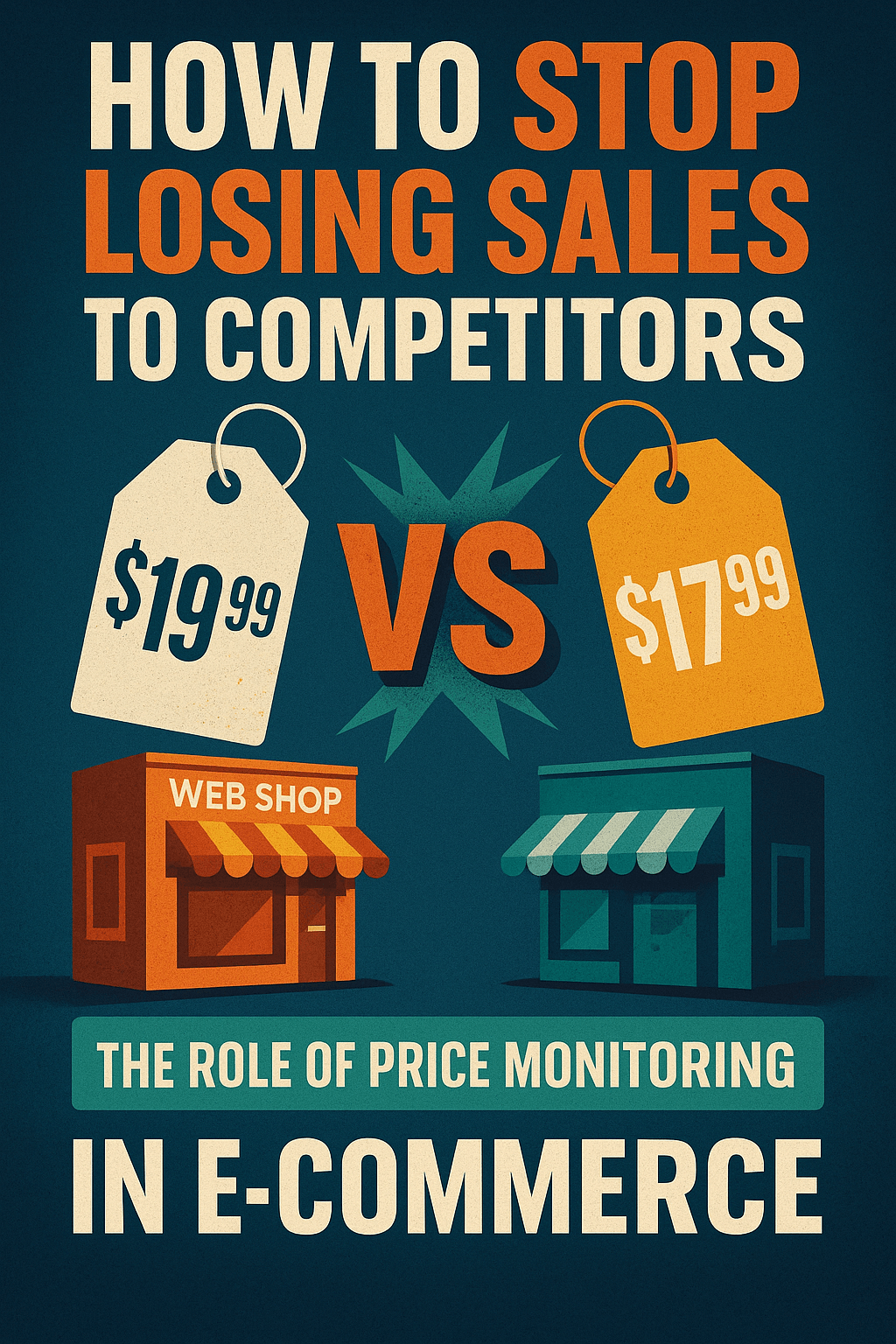
How to Stop Losing Sales to Competitors: The Role of Price Monitoring in E-Commerce
Picture this: your webshop traffic looks healthy, ads are running, and product pages are optimized. Yet, sales are dropping. What happened?
In 2025, the most common answer is simple: a competitor undercut your price.
E-commerce has become a price battleground. Shoppers compare stores instantly, and if your competitor is even a few dollars cheaper, you risk losing the sale. The solution isn't blind discounting—it's price monitoring.
Let's break down why sales slip away to competitors, how price monitoring works, and how tools like PriceSense help webshops fight back.
Why Webshops Lose Sales to Competitors
1. Price sensitivity is at an all-time high
Inflation has made consumers more selective. They're hunting for deals, not loyalty.
2. Competitors adjust faster
Big players like Amazon and Walmart change prices hourly. Smaller stores that react slowly lose out.
3. Ad spend without conversion
You might still be driving traffic with ads—but if your prices aren't competitive, people click away after browsing.
4. Customer trust erodes
If shoppers see your store is consistently higher than others, they stop checking back altogether.
What Is Competitor Price Monitoring?
Competitor price monitoring means tracking the prices of your rivals in real time. Instead of guessing what others charge, you use data to:
- Compare your prices to theirs.
- Spot when competitors drop prices.
- Decide whether to match, beat, or differentiate.
Done right, this ensures you never lose sales just because you were unaware of a price change.
How Price Monitoring Saves Webshops
With PriceSense, e-commerce owners can:
- Track multiple competitors per product
See how your exact items are priced across Amazon, Walmart, Target, or niche shops. - Get instant alerts
Don't find out weeks later—react the same day a competitor changes prices. - View price history trends
Spot seasonal dips and know when "sales" are fake markdowns. - Protect margins
Don't drop prices blindly. Instead, find the balance between being competitive and profitable.
👉 See Pricing Plans to find the best fit for your store.
Strategies to Stop Losing Sales
1. Compete Smart, Not Always Cheap
Lowering your price every time isn't sustainable. Instead:
- Match only when your margin allows.
- Use bundles or value adds (like free shipping) when you can't match price.
2. Segment Pricing by Customer Type
Offer student discounts, loyalty pricing, or bulk deals. You stay competitive for sensitive shoppers without slashing prices for everyone.
3. Use Monitoring Data for Marketing
- Promote your competitive prices in ads when you're cheaper.
- Pause campaigns when you're overpriced, saving budget.
4. Plan Ahead for Seasonal Sales
Competitors drop prices before Black Friday, back-to-school, or holiday rushes. With historical tracking, you know when and how deep discounts go.
Example: The $5 Difference That Cost $5000
A WooCommerce store selling wireless earbuds at $49.99 saw traffic surge during holiday season but sales flatlined.
Why? Competitors dropped the same earbuds to $44.99.
That $5 gap multiplied across hundreds of visitors meant thousands in lost sales. With price monitoring, the store could have adjusted early and protected conversions.
FAQ: Competitor Price Monitoring
Q: Isn't competitor monitoring only for big retailers?
No. Smaller shops benefit even more because every sale matters, and margins are thinner.
Q: What if I can't match competitor prices?
Differentiate with bundles, loyalty programs, or faster shipping. Monitoring helps you know when to fight on price and when to compete on value.
Q: How often should I check competitor prices?
Manually? Never—it's too slow. With automated tools like PriceSense, you can track daily or hourly without lifting a finger.
Conclusion
In e-commerce, you don't just lose sales to bad products—you lose them to smarter pricing strategies from competitors.
By adopting competitor price monitoring, you:
- Stay competitive without blindly slashing prices.
- Protect margins by reacting strategically.
- Win more conversions by knowing exactly where you stand.
With PriceSense, SMBs can finally compete with giants like Amazon on pricing intelligence.
🚀 Stop guessing. Try PriceSense Free and make sure your webshop never loses sales to competitors again.
Start tracking competitor prices today
Join thousands of users optimizing their pricing strategy