How PriceSense Works
Simple. Powerful. Automatic.
PriceSense makes price tracking effortless with our simple 4-step process. No technical knowledge required — just add products, set alerts, and let us do the work.
Effortless Price Tracking with PriceSense
Our simple 4-step process makes price tracking effortless. No technical knowledge required.
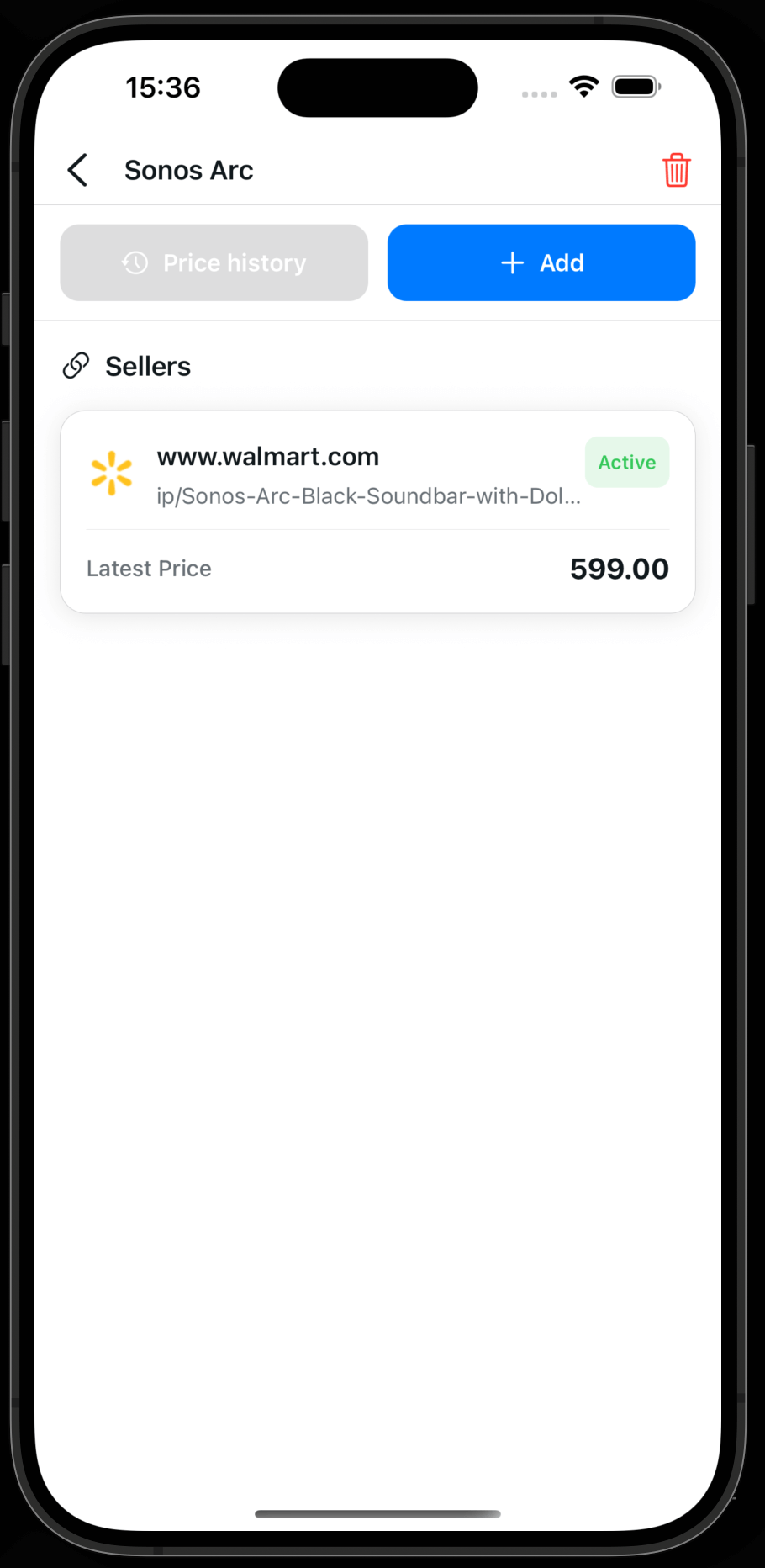
Add a new product
You only have to add a name for the product which you may name it everything you want.
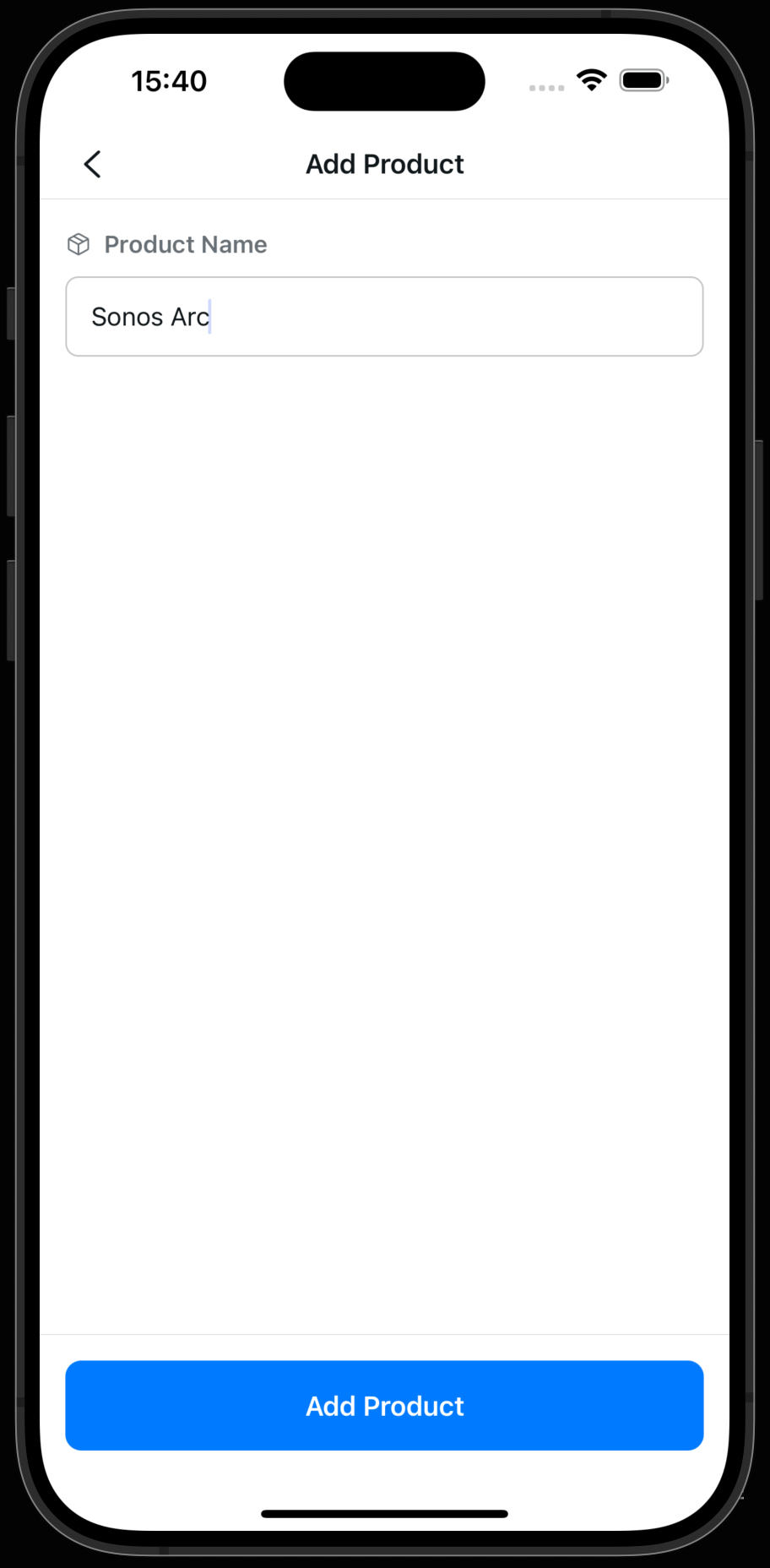
Get the URL of the product
Go to safari or chrome and copy the url of the product page. This can be done by clicking the share button and then copy the url or copy the url from the address bar (red highlighted part).
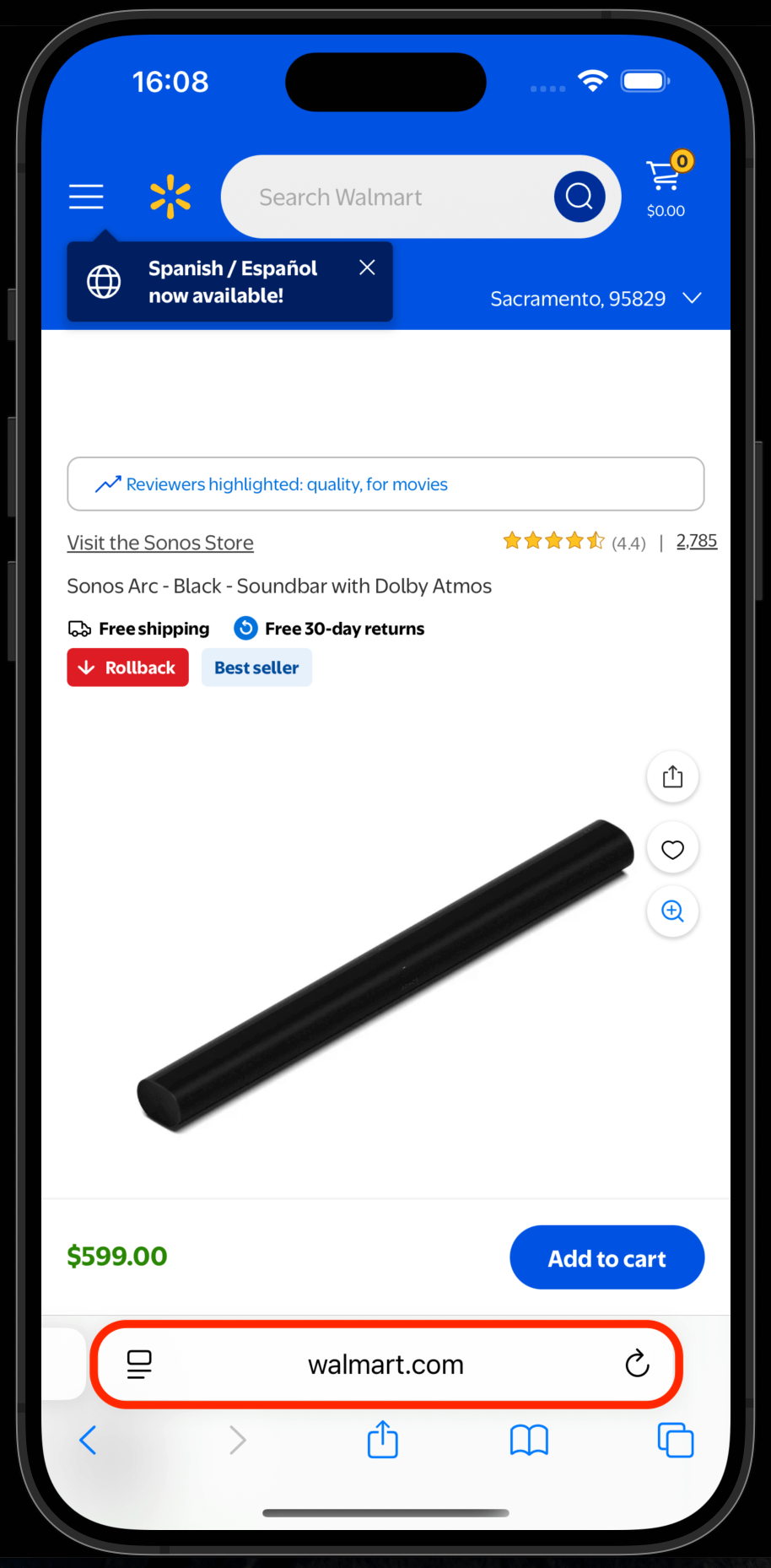
Add a seller
Paste the URL of the seller you want to track and select the interval. You can add multiple sellers per product to compare prices.
💡 Premium and Pro users can check prices every day, while free users can check prices every week.
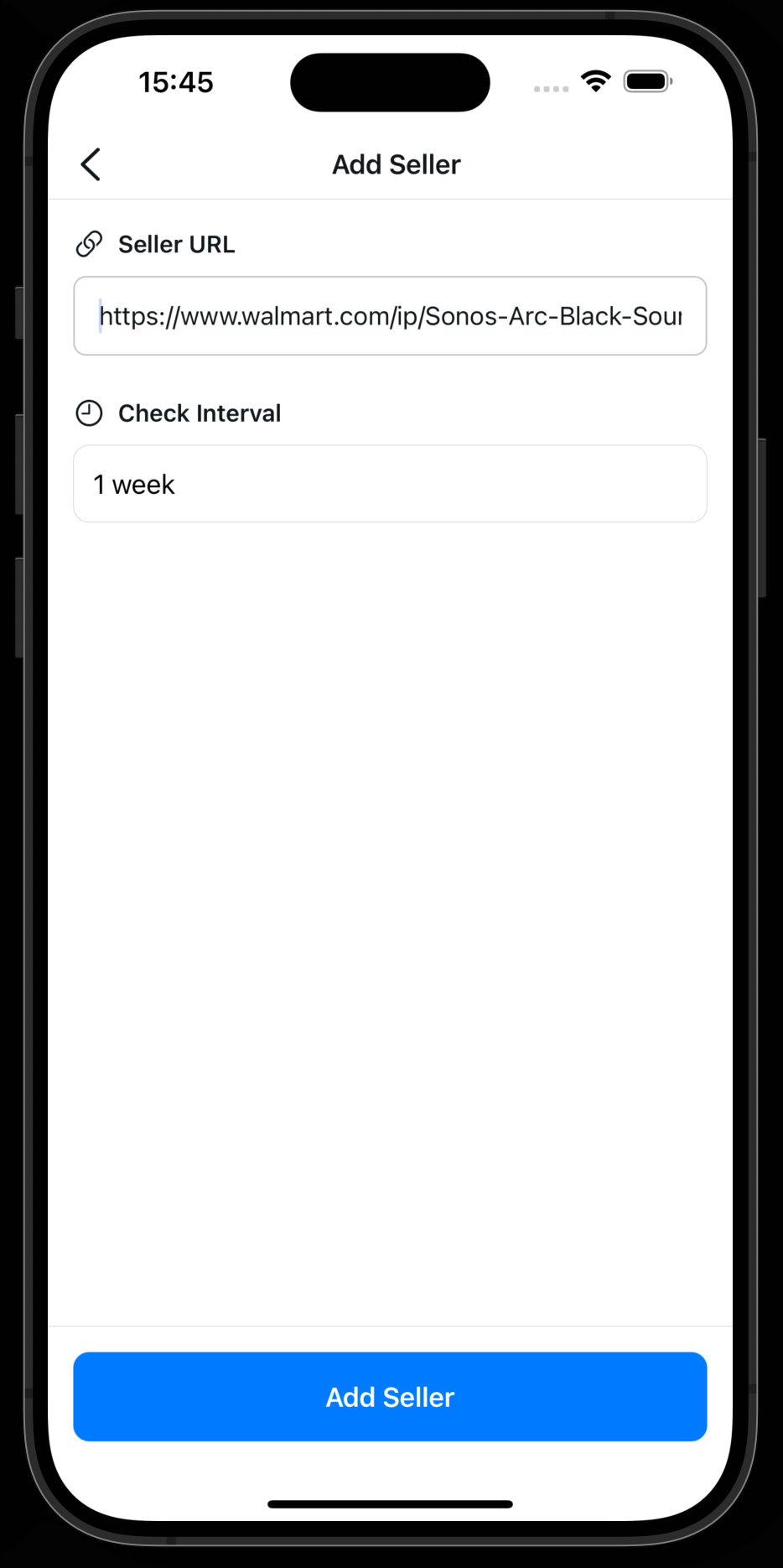
Let PriceSense do the rest!
Our AI-powered system monitors prices and sends you alerts when prices drop. You'll never miss a deal again!